
Docs

Bikube

A kanban board where every card is a live terminal. Run Claude Code, Codex, Gemini CLI, OpenCode and Pi side by side.

macOS

Apple silicon (M1 or later)

Coming soon, probably

Latest: v0.10.0

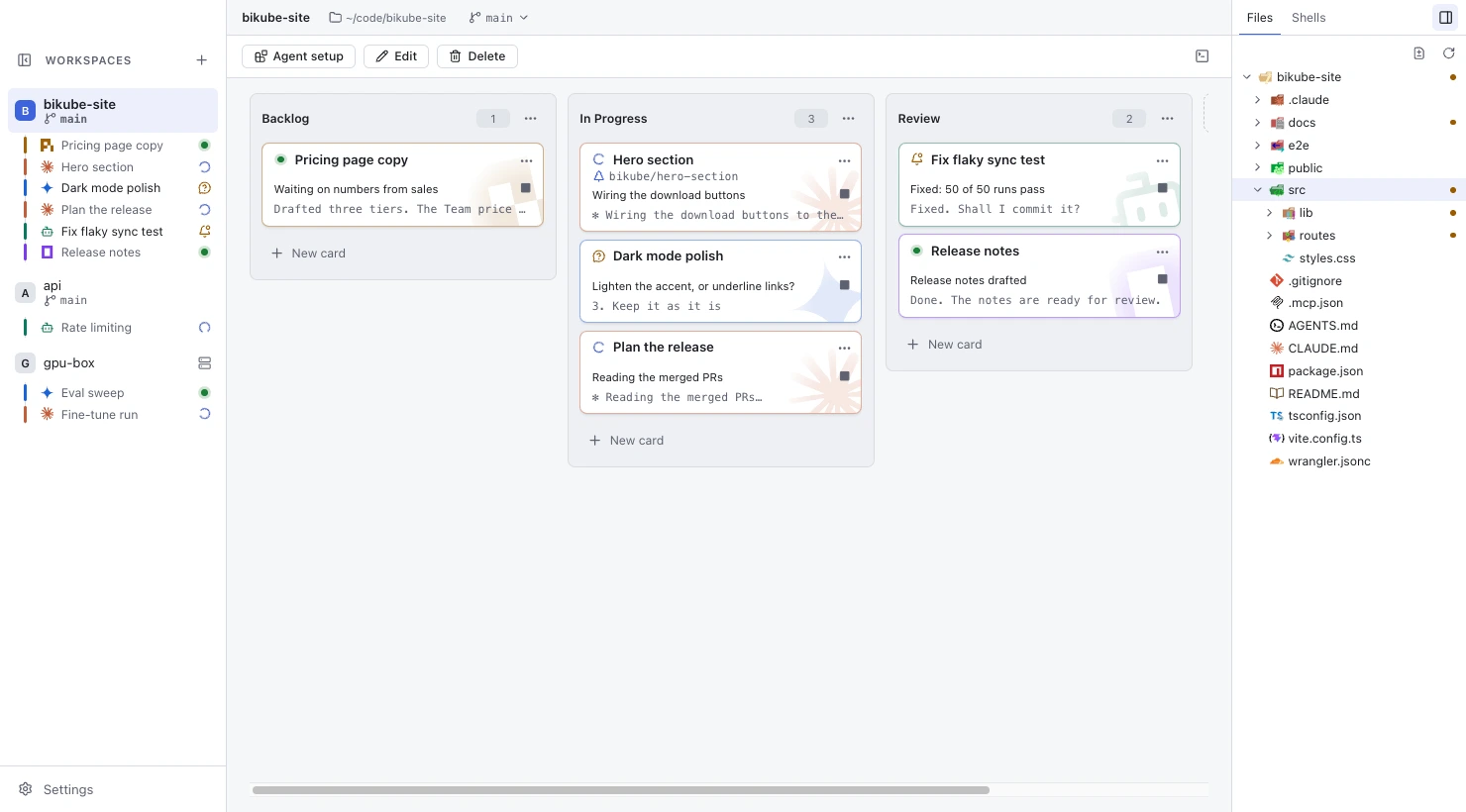
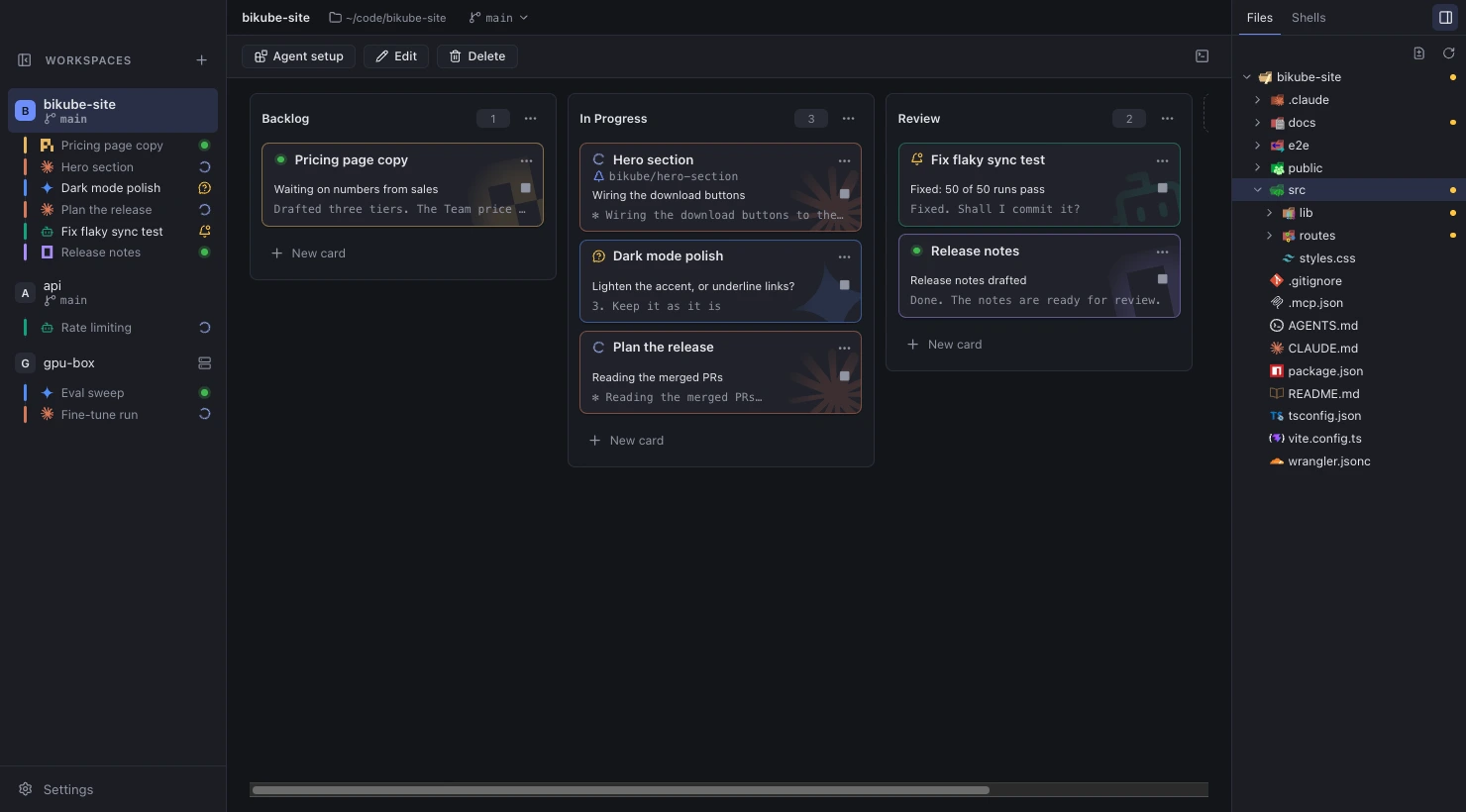
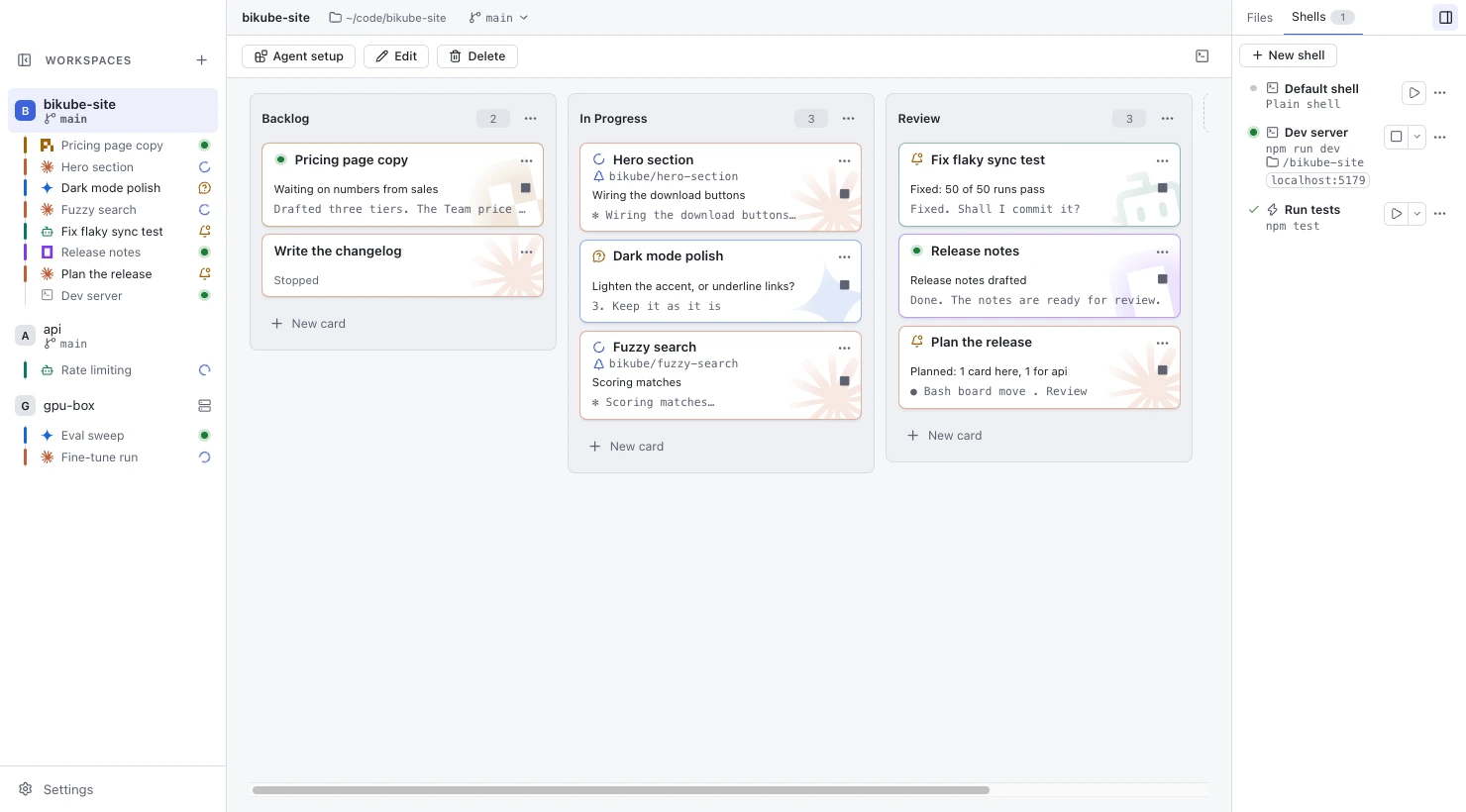
The Bikube board: three workspaces in the sidebar, a board of Claude Code, Codex, Gemini CLI, OpenCode and Pi cards across Backlog, In Progress and Review, each with its status, and the Files panel beside it.

Features

What Bikube does for the agents on your board.

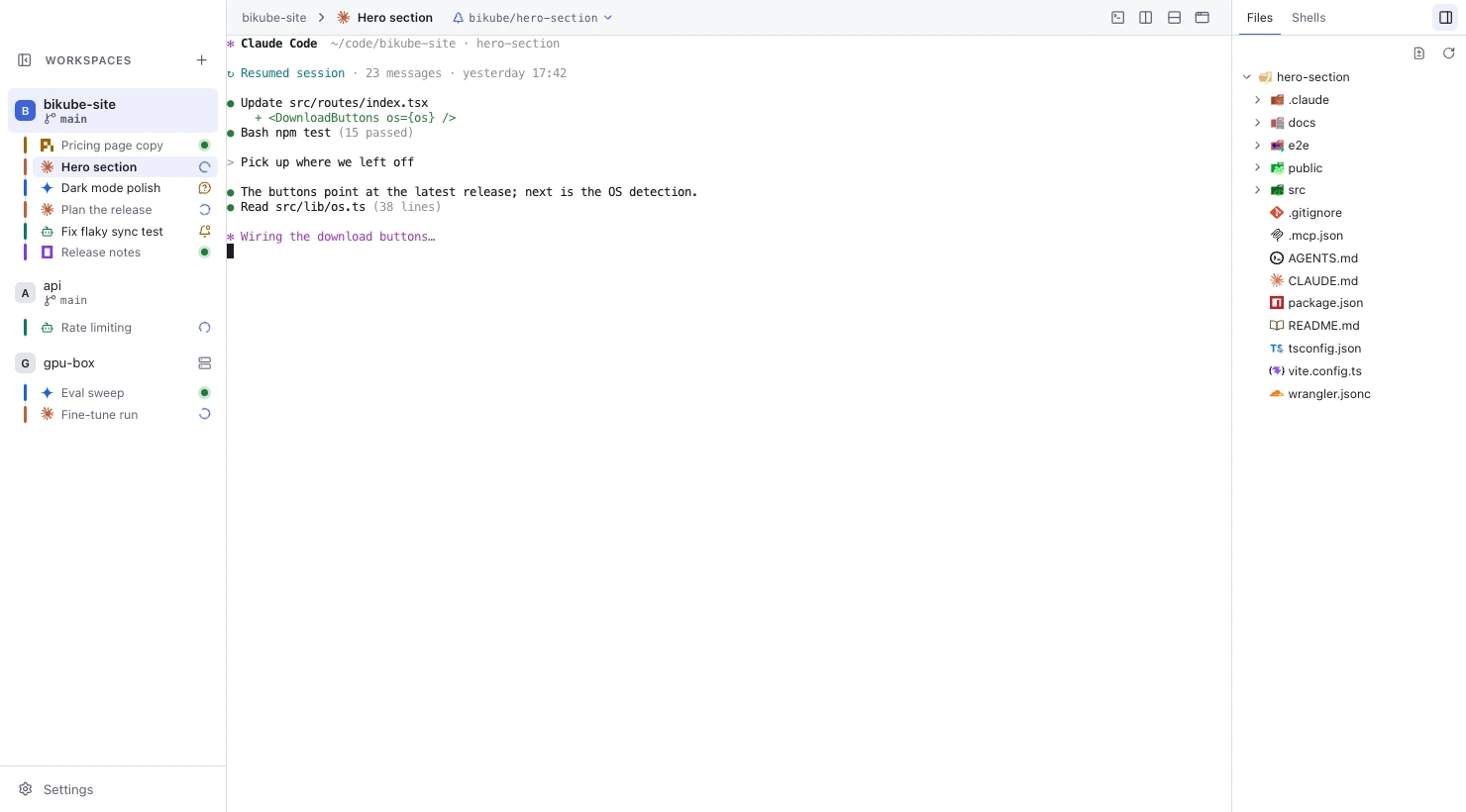
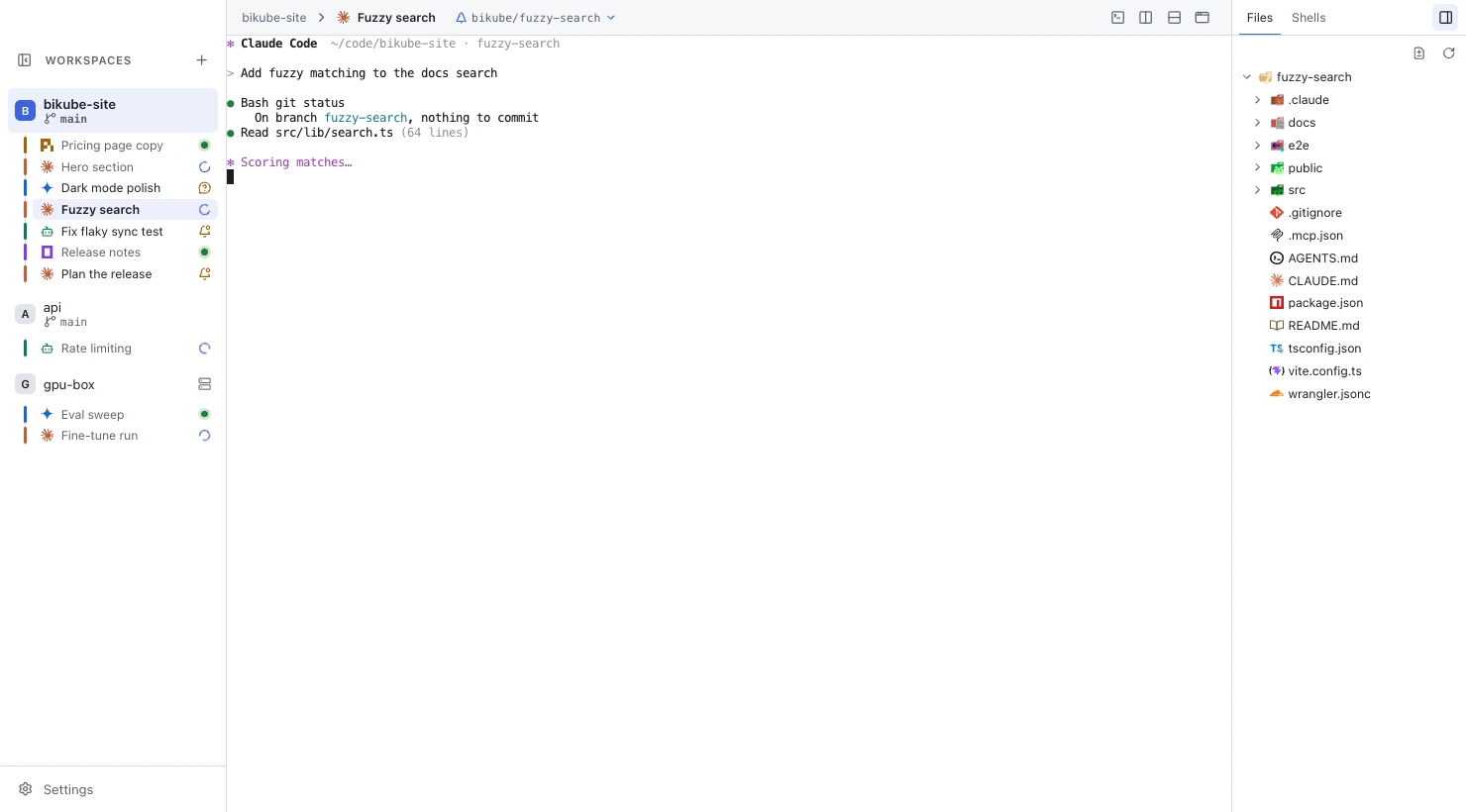
A stopped Claude Code card is opened and its session resumes where it was.

Cards pick up where they left off

Every card is a live terminal running Claude Code, Codex, Gemini CLI, OpenCode, Pi or any command. Close it, or quit Bikube: opening the card again resumes the same agent session, so you are straight back in.

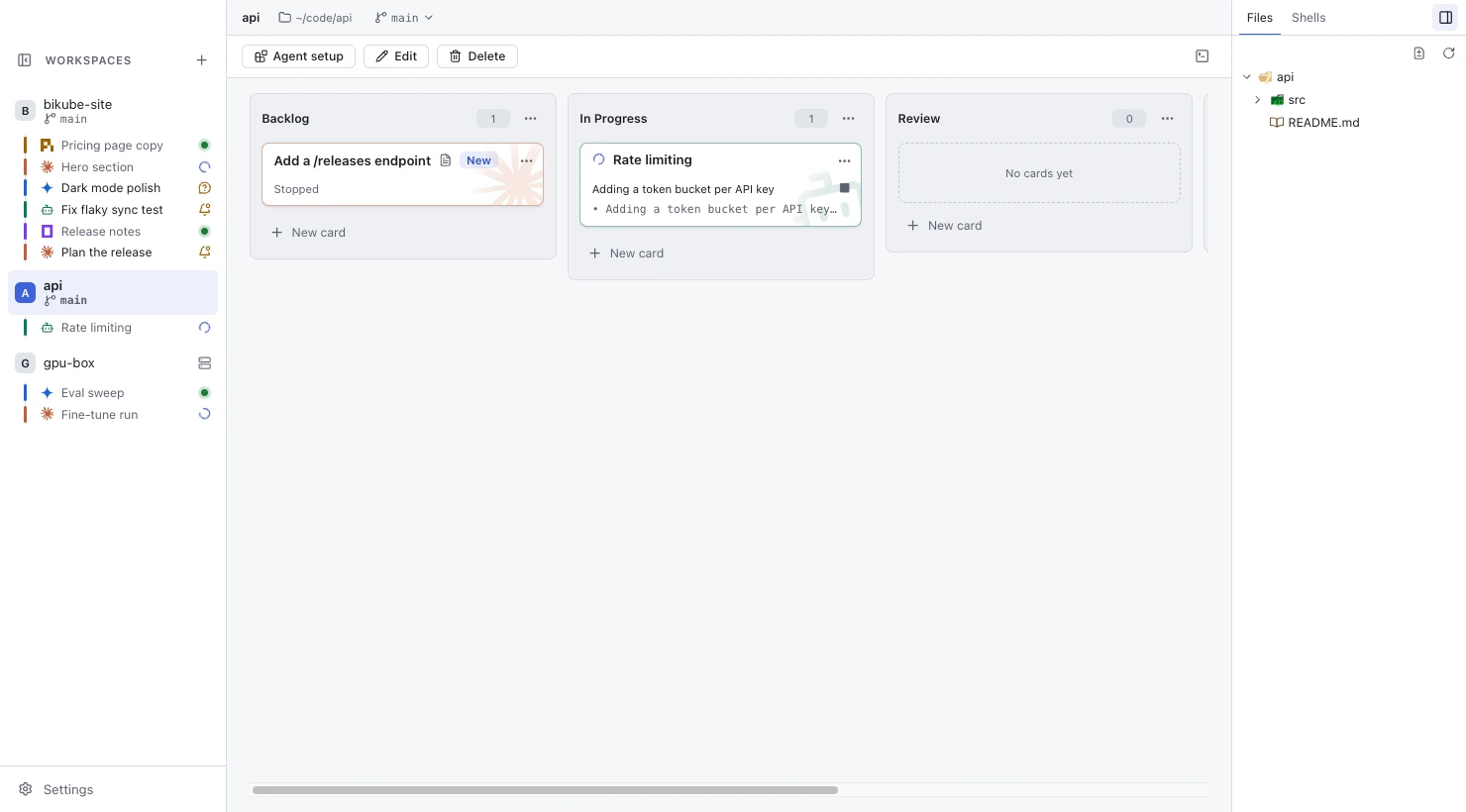
An agent creates a card, moves its own card to Review, and a new card appears in the api workspace.

Agents drive the board

Inside a card, the agent has the board command. It reports what it is doing, moves its own card, creates new ones and hands work to another workspace.

board create Backlog "Write the changelog"board create --workspace api Backlog "Add a /releases endpoint"board move . Review

Claude Code cards report their status by themselves. Nothing to install.

A new card is created with Own worktree and opens on its own branch.

A worktree for every card

Tick Own worktree and the card gets its own git worktree on a new branch, with your ignored files copied over. Each agent's changes stay out of your checkout and every other card's; push, open the pull request or merge from the card.

A dev server starts and shows its localhost link, then a Run tests trigger runs and passes.

Shells and triggers

Keep each workspace's dev server and other long-running shells in the side panel. A trigger runs a command in the background with one click and shows whether it passed. A localhost port a shell prints becomes a link.

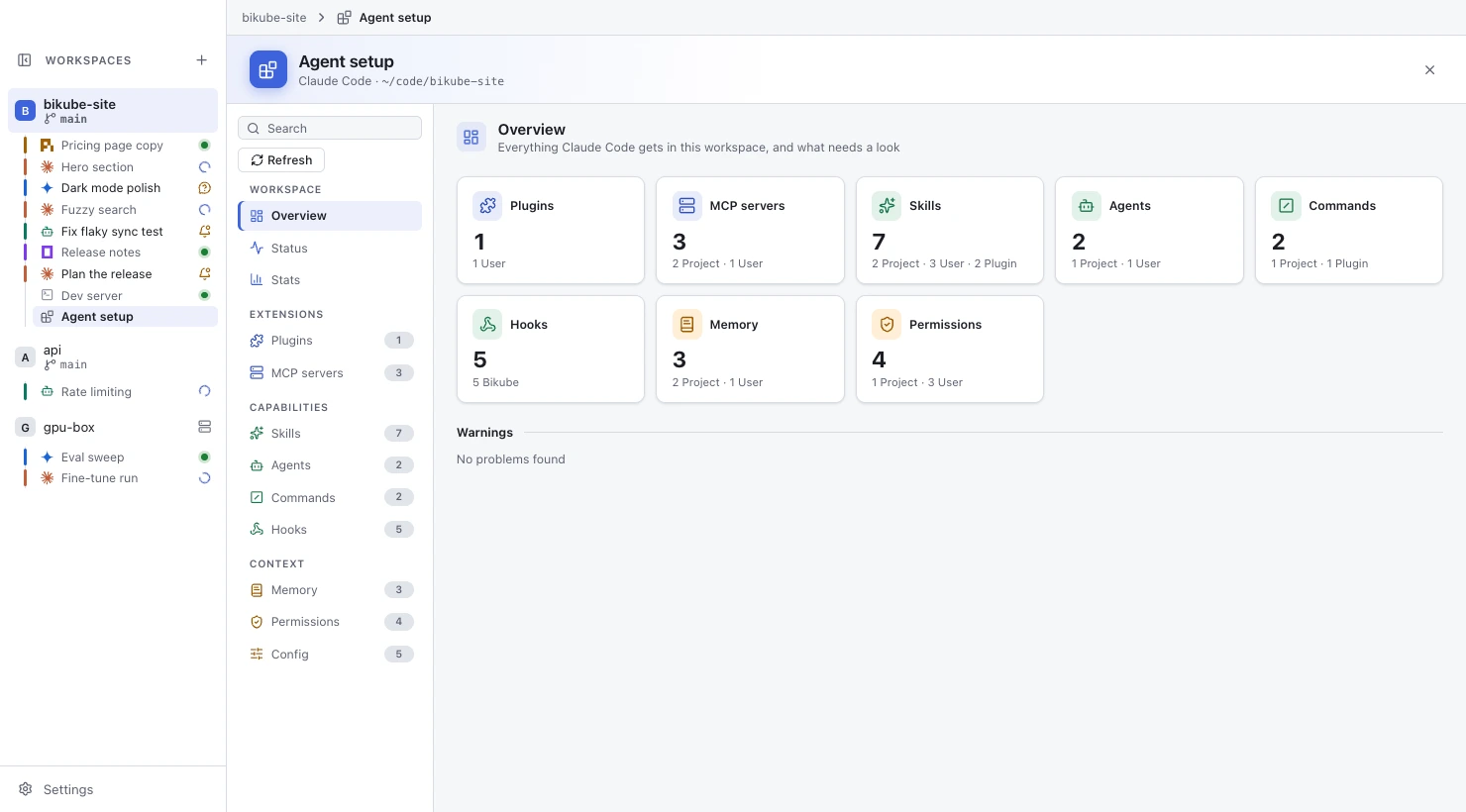
The Agent setup page's Overview: counts of plugins, MCP servers, skills, agents, commands, hooks, memory files and permissions, by source.

Agent setup at a glance

See every skill, subagent, command, hook, MCP server, plugin and memory file Claude Code gets in a workspace, where each comes from and what is broken. Turn plugins and MCP servers on or off for the workspace, and look back at 30 days of sessions.

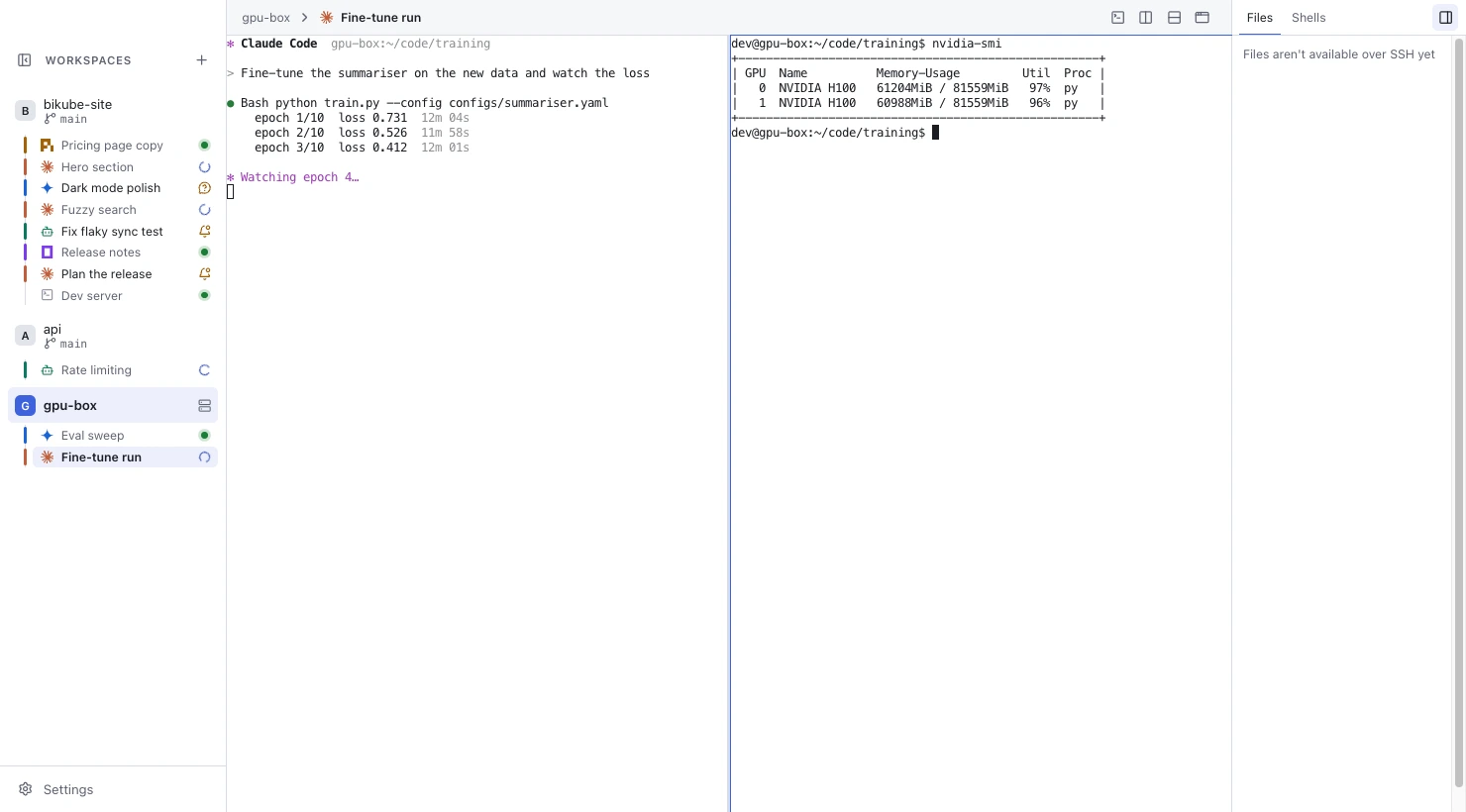
A card in the SSH workspace gpu-box, split beside a shell on that host listing its GPUs.

SSH workspaces

A workspace can run its cards on another machine through your own ssh, in a folder on that host. Split panes, resumed sessions and the board command work there too.

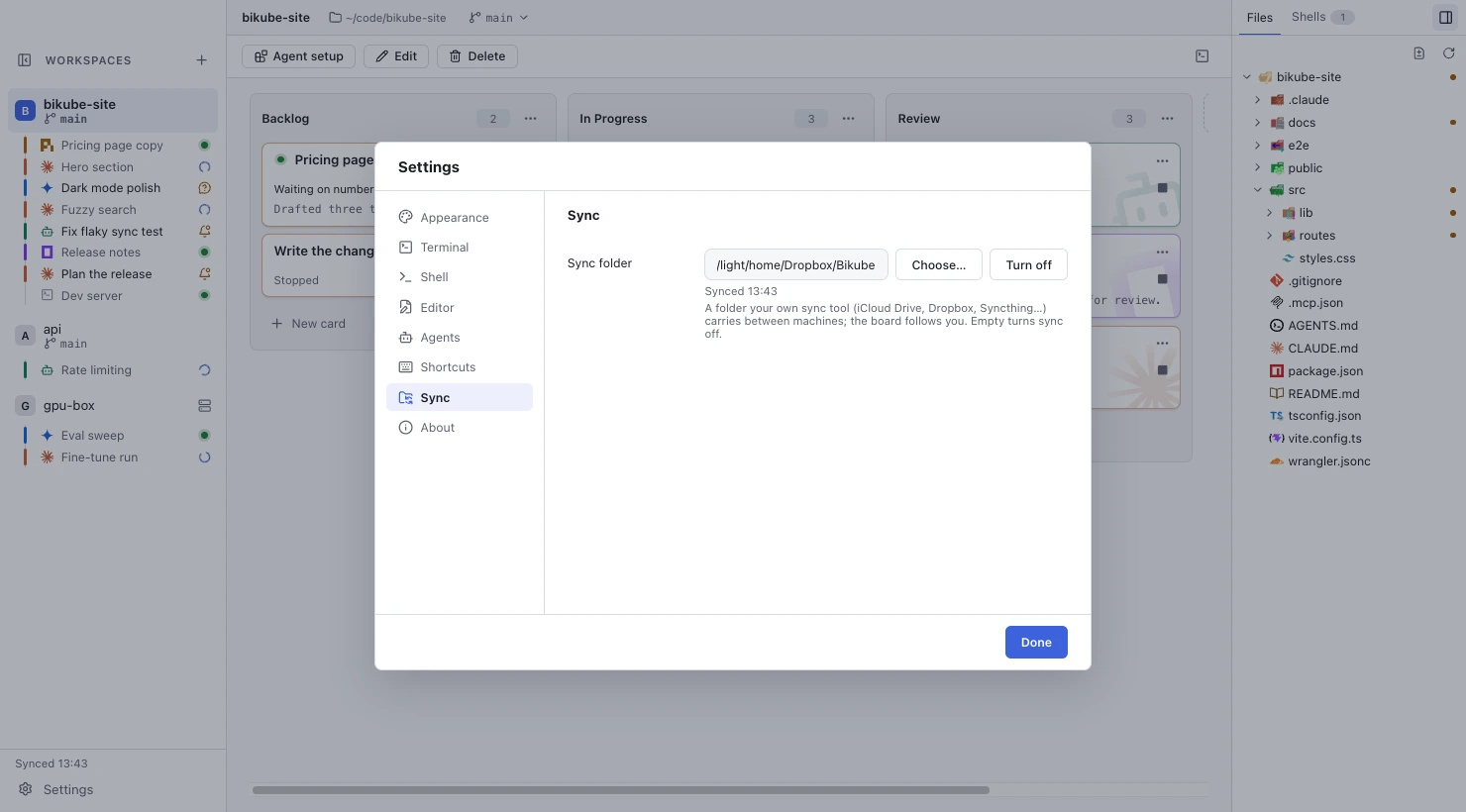
Settings, Sync: a Dropbox folder set as the sync folder, synced.

Sync between machines

Point Bikube at a folder your own sync tool carries (iCloud Drive, Dropbox, Syncthing…) and your boards follow you to your other machines. No Bikube server, no account.

Install

macOS (Apple silicon)

Open the .dmg and drag Bikube to Applications.

Bikube isn't signed with an Apple Developer ID, so macOS blocks the first launch: open System Settings › Privacy & Security and click Open Anyway.

Or clear the quarantine flag in a terminal:

xattr -dr com.apple.quarantine /Applications/Bikube.app

Linux: .deb (Debian, Ubuntu)

Install it with apt:

sudo apt install ./bikube-0.10.0-amd64.deb

It adds Bikube to the app menu and the bikube command, and sets up Chromium's sandbox.

Recommended on Ubuntu 23.10 and later: it's the way to run Bikube sandboxed there.

Linux: AppImage (any distribution)

Make it executable, then run it:

chmod +x bikube-0.10.0-x86_64.AppImage./bikube-0.10.0-x86_64.AppImage

It needs FUSE 2:

sudo apt install libfuse2

On Ubuntu 24.04 and later, install libfuse2t64 instead.

Where unprivileged user namespaces are restricted (Ubuntu 23.10 and later) it runs without Chromium's sandbox; use the .deb there.