 Bikube
Agents
Agents & resume
The coding agents a card can run and how Bikube resumes their sessions after a stop or a restart.
On this page
Every card starts an agent: Claude Code, Codex, Gemini CLI, OpenCode, Pi, or a command of your own. When a stopped card opens again, after a Close or a restart of Bikube, its agent picks up the conversation where it left off. This page explains what each startup command runs and how each agent resumes.
Startup commands
A card's startup command is what Bikube types into the card's login shell, followed by Enter, right after the shell starts. You pick it as the Agent in the New card dialog; a workspace's Default for new cards only preselects it. Each card keeps its own.
| Startup command | First start | Later starts |
|---|---|---|
| Claude Code | claude with the card's agent session id and Bikube's Claude settings file | Resumes that session |
| Codex | codex | codex resume --last |
| Gemini CLI | gemini | gemini --resume latest |
| OpenCode | opencode | opencode --continue |
| Pi | pi | pi --continue |
| Custom… | Your one-line command, as written | The same command |
Bikube checks which agents your login shell can find. One it can't find is shown as (not installed) and can't be picked (in an SSH workspace every agent can be picked, since it runs on the host). A card is always an agent or a custom command; a plain terminal is a workspace shell instead.
Before an agent's command, Bikube clears the screen, so the agent starts at the top with the shell's greeting in the scrollback. A card with a description also passes the agent a first prompt on a fresh start.
Change a card's agent
Pick Startup command… in the card's ⋯ menu. A running card isn't touched: the new command is used the next time the card starts. An agent the card has run before resumes its session; one it hasn't starts fresh.
The agent session id
Every card gets an agent session id when it is created, a random UUID it keeps for life, whatever its startup command. It is not the card's id. Claude Code cards use it as the Claude Code session id, so the card and its conversation stay paired.
How Claude Code resumes
A Claude Code card starts Claude with its session id and Bikube's settings file:
claude --settings "$BIKUBE_CLAUDE_SETTINGS" --session-id <agent session id>Until you send a first message there is no conversation to resume, so each start uses --session-id again. Once you send one, Bikube's hooks report the conversation with board session, and from then on the card starts with --resume:
claude --settings "$BIKUBE_CLAUDE_SETTINGS" --resume <agent session id>If that conversation no longer exists, the card falls back to a fresh session with the same id.
/resume is followed too. When you switch to another conversation inside Claude Code with /resume, the hooks report its id, which replaces the card's agent session id. The card then resumes that conversation the next time it starts.
The settings file adds only hooks; your own Claude Code settings, skills and plugins apply as usual. What the hooks do is described in Activity & status.
How the other agents resume
Codex, Gemini CLI, OpenCode and Pi are presets: their plain command the first time a card starts them, then their resume command, which picks the agent's latest session in the card's directory. If the resume command fails (no session there yet), the plain command runs instead. The New card dialog says so under the Agent field: Resumes the latest Codex session in the card's directory.
Because these agents resume by directory, two cards with the same preset in the same directory resume the same session. To keep two Codex tasks apart in one repository, give each card its own worktree (see Worktrees & git), so each runs in its own directory.
What a restart does
Bikube never keeps processes across a restart. When you quit it, every card's shell stops; when it opens again, every card is Stopped and nothing runs until you open a card.
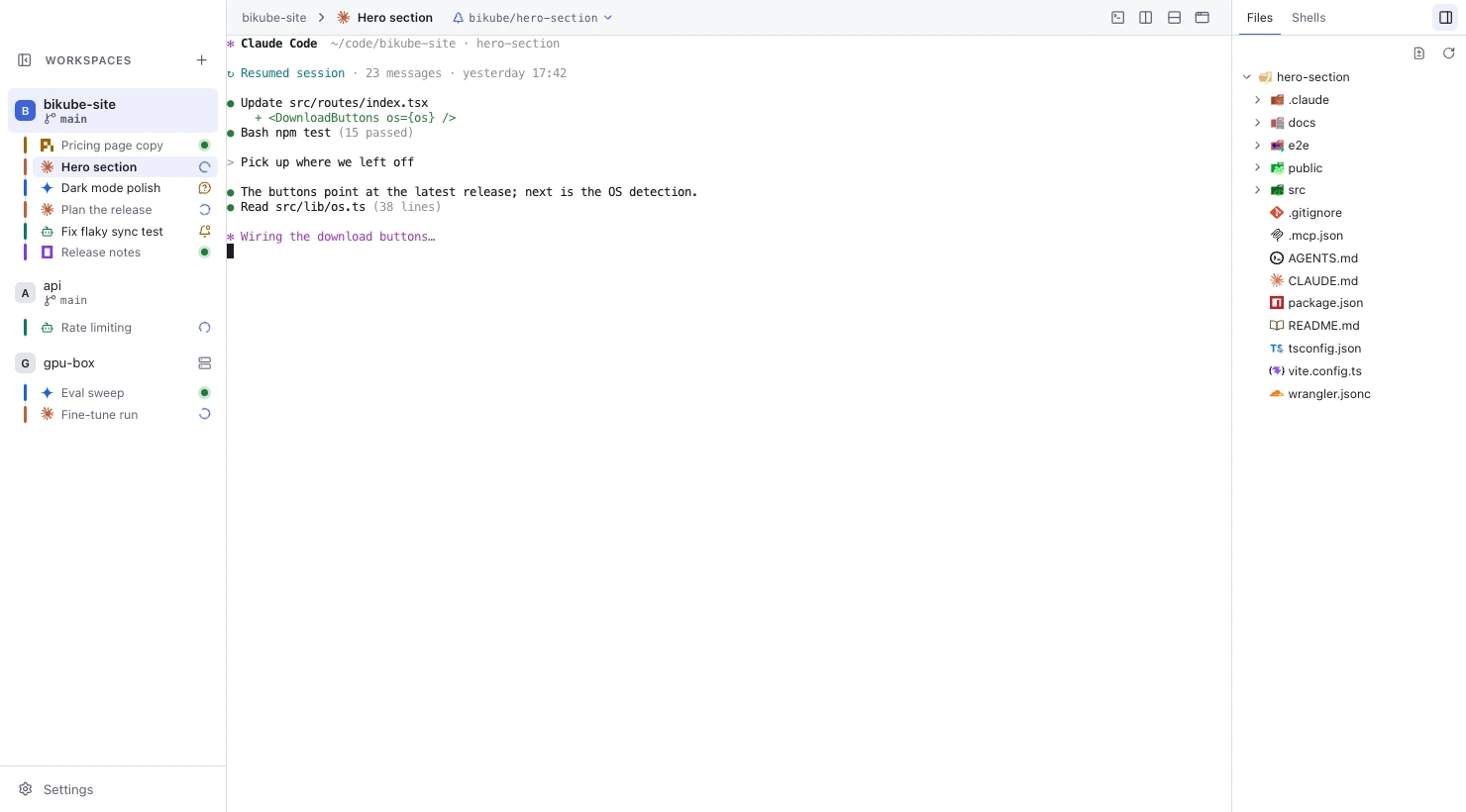
Opening a stopped card, after a restart or after a Close, starts its shell and types its startup command again. That resumes the agent's session as above, and the card's kept output shows above the new session, so you see what happened before. Bikube also remembers the board itself: every workspace, column, card, title, startup command and agent session id (see Where Bikube stores its data).
Moving a card into its own worktree gives it a new agent session: agents keep their conversations per folder, so its agent starts afresh in the new directory.
Checked against Bikube 0.9.1